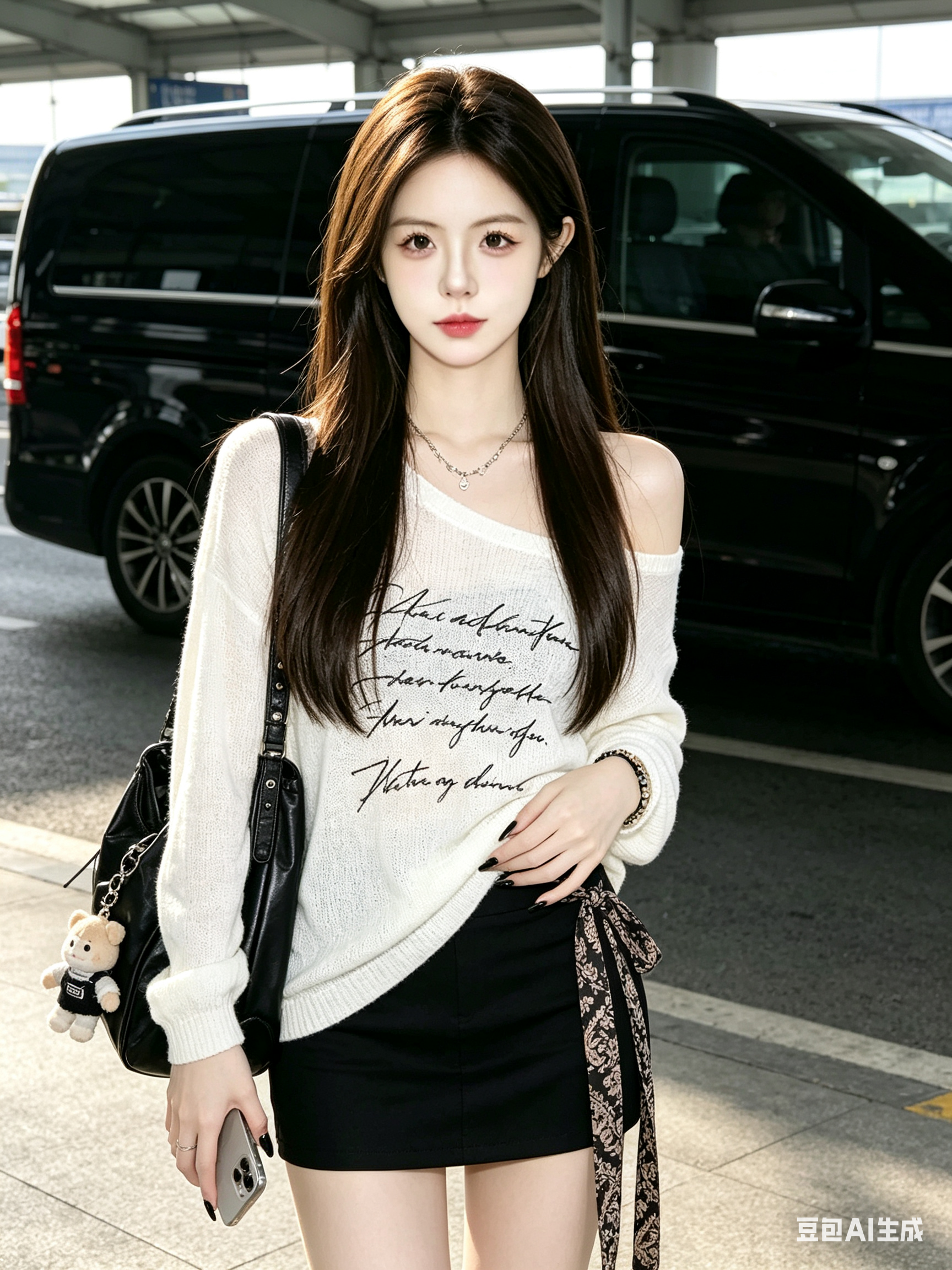
Outdoor airport realistic portrait AI Image Prompt
Transform the character in the original image into an ultra-detailed realistic portrait: maintain the front-facing standing composition and original image ratio. The character is a beautiful, sweet, lovely young female with a slim figure, long straight brown hair reaching the waist with a atmospheric vibe, soft and naturally shiny hair strands, fair and smooth skin, natural and delicate facial features. Change the clothing to a white loose long-sleeve off-shoulder top with fine knit texture, longer length, decorated with black lace-textured messy English sentence prints; layered designer necklaces. Bottoms are black fitted short skirt with a long designer patterned strap on the side. Carry a black cool leather bag with a cute-ugly pendant, long slender fingers, black nail polish, wear a designer bracelet, holding a phone naturally. Change the scene to an outdoor airport candid shot, the character standing still, front-facing camera, with a large black car behind. The image is clear, with real mobile phone shooting texture, CCD camera feel, natural lighting, no obvious atmospheric light or filter, surrealistic realistic portrait, textured lighting, rich in details.
Content: Prompt structure: base on original image, define subject (young female appearance, hair, skin) → outfit (top, bottom, accessories) → scene (outdoor airport) → photography style (mobile shot, CCD feel, natural light). Core formula: original character transform + detailed description + style parameters.
Pros: Extremely detailed, precise subject and clothing description for accurate generation; clear stylization (CCD, mobile photo feel).
Cons: Too many elements (clothing, accessories, scene, photography requirements stacked) may confuse the model; heavily relies on user's original image, cannot work without it.
Reference image: Obvious dependency on original image
Curated from publicly available creative examples. Prompts and commentary are edited and organized by this site. Please contact us with any rights concerns. Copyright & Privacy