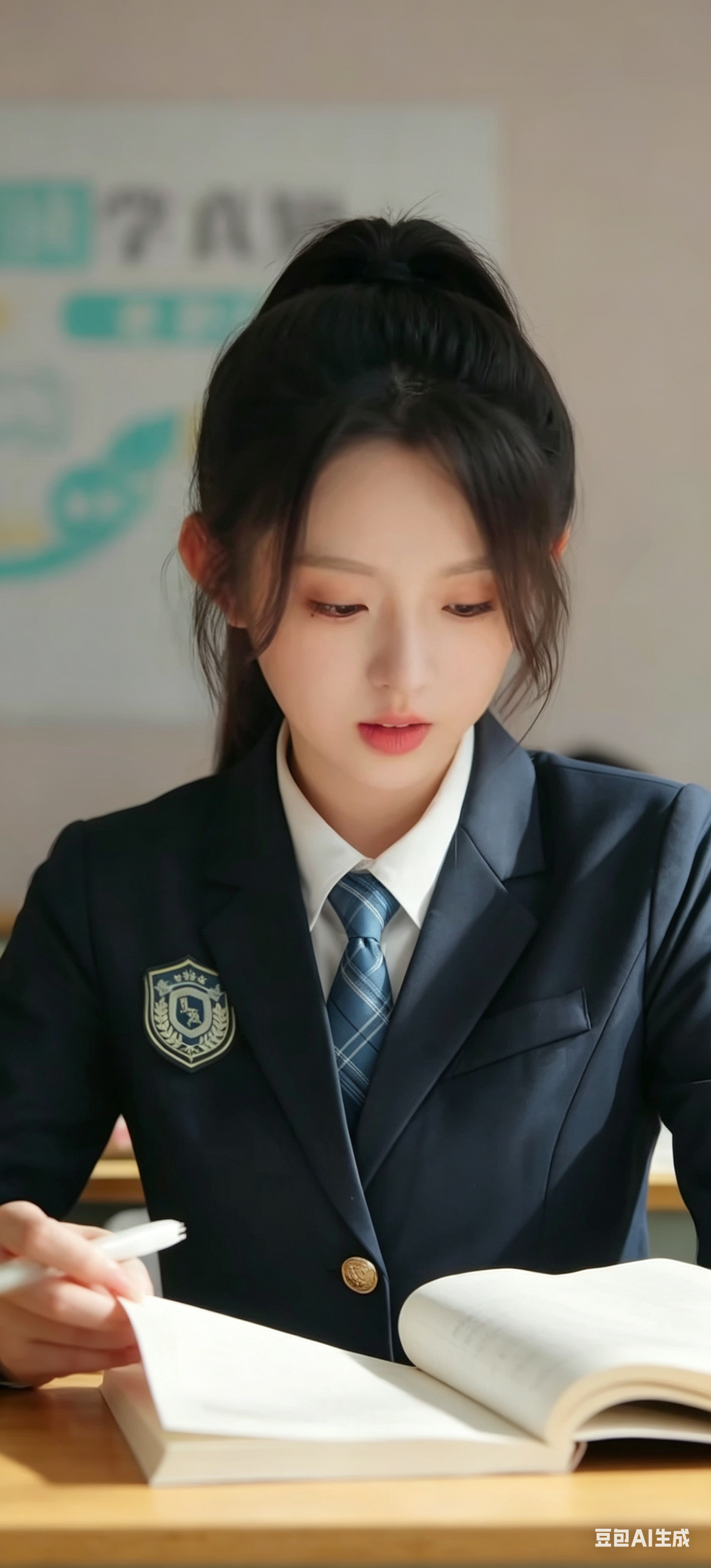
Remove UI Elements from Image AI Image Prompt
Remove the like, comment, favorite, share and other short video interaction button icons and numbers on the right side of the image; remove the bottom comment input bar, episode info bar and all overlay text; remove the top status bar and control bar interface elements; keep the characters, background, composition and original aspect ratio; inpaint occluded areas to make them natural and clean.
Content: Structure: Keep the main subject (characters + background), remove all interaction buttons, text and UI elements, inpaint occluded areas to look natural.
Pros: Detailed removal instructions, clear requirement for natural inpainting.
Cons: No specific character or style given, may lack creative direction.
Reference image: No obvious reference-image dependency
Curated from publicly available creative examples. Prompts and commentary are edited and organized by this site. Please contact us with any rights concerns. Copyright & Privacy