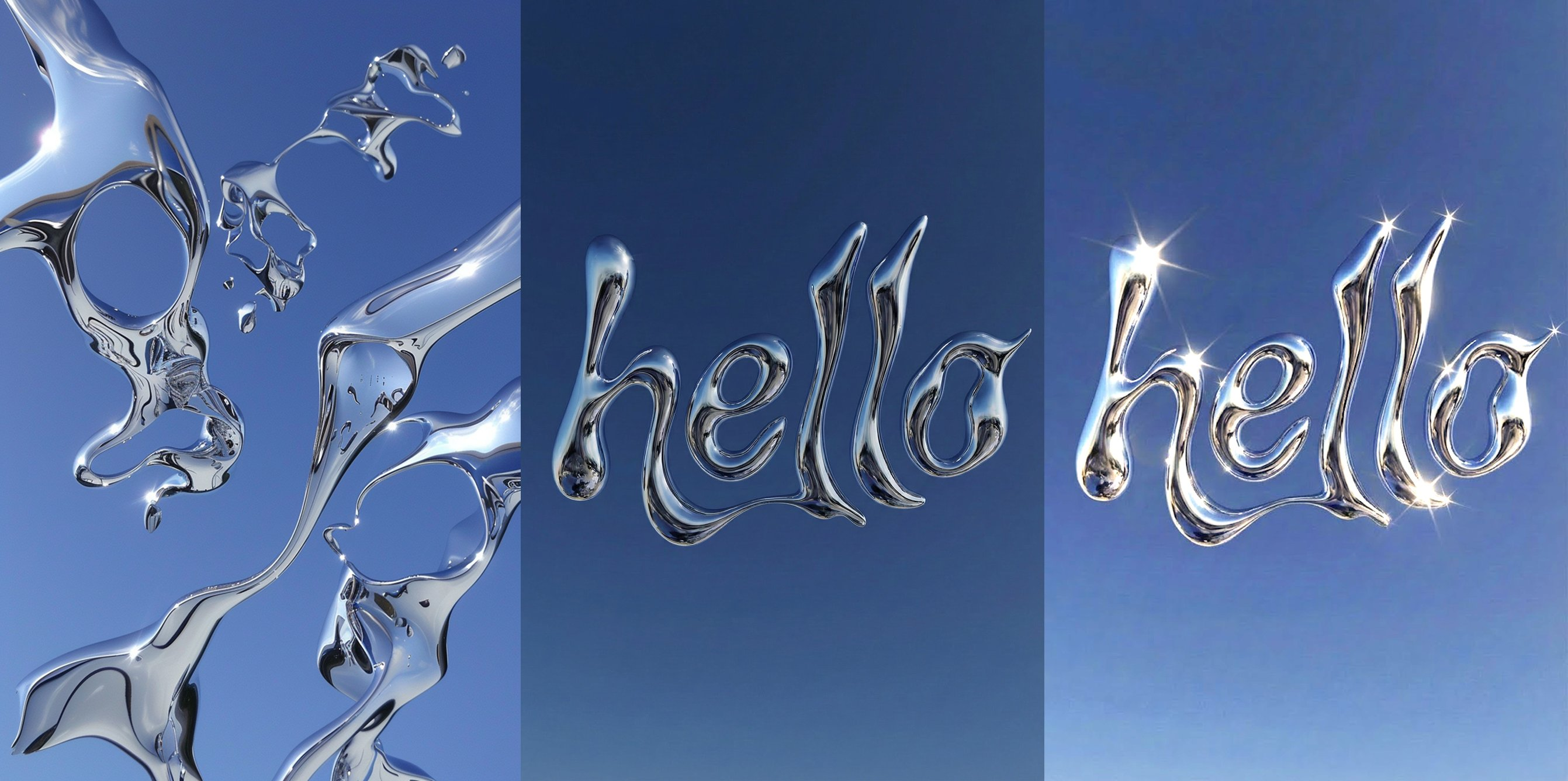
Adjust text lighting and match color with Nano Banana Pro AI Image Prompt
Generate a style reference in Midjourney. Then using Nano Banana Pro in Gemini, write 'hello' in the attached reference style. Then upload both images (the reference from Step 1 and the result from Step 2) to Gemini and ask: Adjust the lighting on the first image with the 'hello' word, add glares, match the style of the second image more. Keep it minimalist and clean. Colors still too dark. Open both images in Photoshop, use Menu: Image → Adjustments → Match Color (choose the reference image).
Content: Multi-step workflow: Midjourney style generation → Gemini text writing → upload reference and result images → adjust lighting and glares → Photoshop Match Color.
Pros: Clear steps, integrates multiple tools for style consistency.
Cons: Cumbersome process, requires manual operations across software.
Reference image: Clearly relies on reference images (upload reference and result, use Match Color).
Curated from publicly available creative examples. Prompts and commentary are edited and organized by this site. Please contact us with any rights concerns. Copyright & Privacy