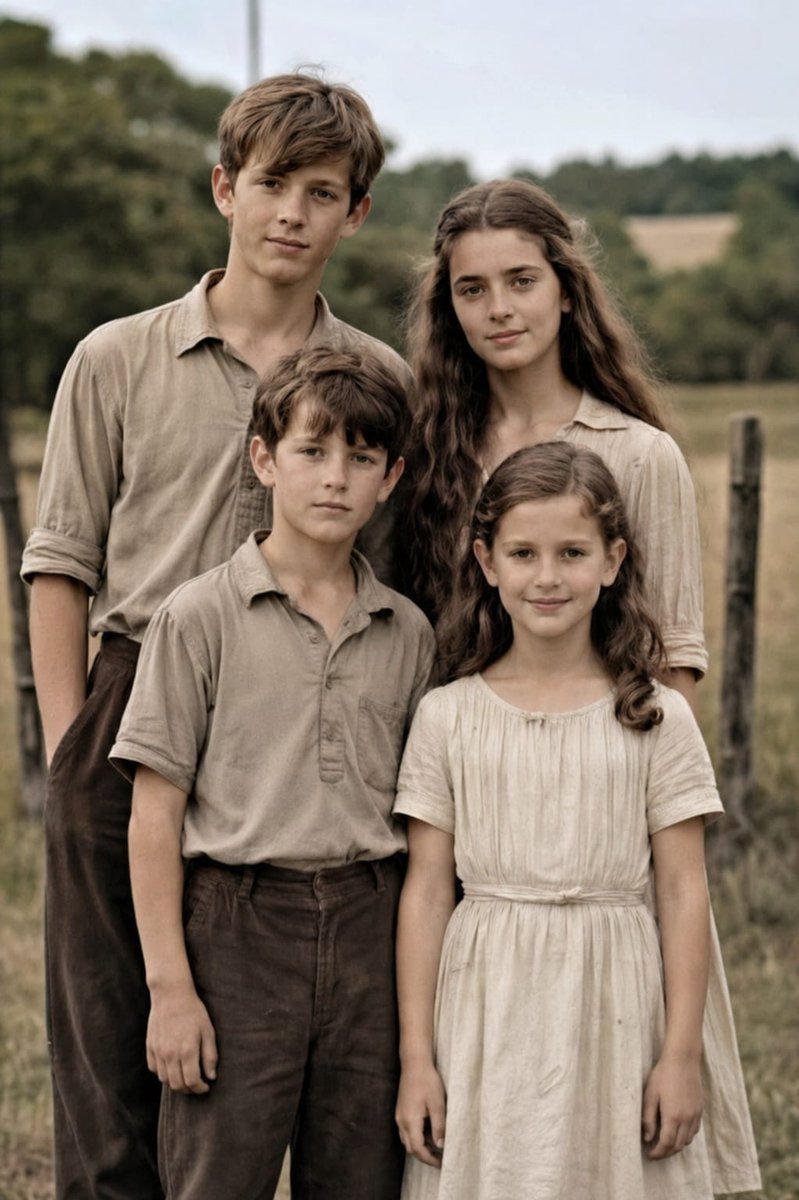
Restore old family photo to high-res portrait AI Image Prompt
Using the provided reference image, restore the damaged old family photo into a natural-looking modern high-resolution portrait while keeping the same 4 people, pose, framing, clothing, and outdoor rural setting unchanged. Remove all visible age damage including tears, cracks, creases, stains, worn paper edges, scratches, and fading. Convert the black-and-white sepia image into realistic soft color, preserving accurate skin tones and neutral earth-toned clothing. Enhance fine detail, sharpen fabric and hair texture, improve contrast and dynamic range, and upscale it to professional DSLR-quality realism with clean focus and a subtle shallow depth of field, as if photographed on a Canon EOS R6 II. Keep the result highly realistic, natural, and faithful to the original faces and proportions.
Content: Structure: Subject (4 people, pose, composition, clothing) + Scene (outdoor rural) + Action (repair damage, colorize, enhance details, upscale) + Style (natural modern high-res, realistic soft color) + Lens (DSLR-quality, subtle shallow DOF) + Parameter (camera model).
Pros: 1. Clearly preserves original facial features and scene; 2. Specifies repair items in detail, highly actionable.
Cons: 1. Overly reliant on reference image, lacks independent composition description; 2. No specific composition instructions, depends on original photo.
Reference image: Observious dependency on reference image
Curated from publicly available creative examples. Prompts and commentary are edited and organized by this site. Please contact us with any rights concerns. Copyright & Privacy