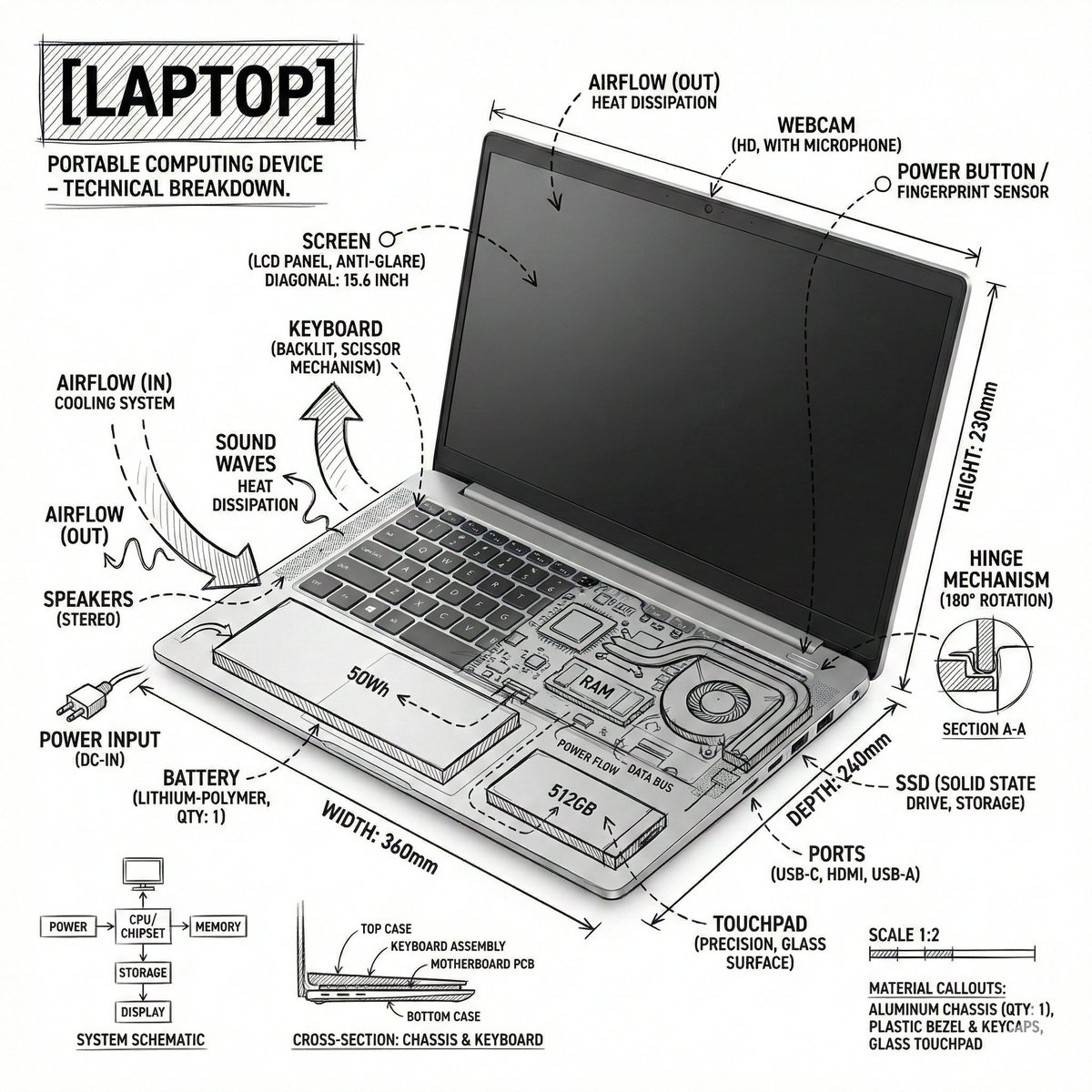
Square Technical Infographic: Laptop Annotations AI Image Prompt
Create a square technical infographic of a laptop, combining a realistic product photograph or photorealistic render with precise annotation overlays drawn directly over the device. Use a pure white studio background and black ink technical linework, like an architectural sketch or engineering manual. Include: - Key component labels - Internal cutaway details or exploded-view outlines - Measurements, dimensions, and scale markers - Material callouts and quantity notes - Arrows showing function, airflow, power flow, sound path, pressure, or other relevant system behavior - Simple schematic or sectional diagrams where useful. Place the title "LAPTOP" inside a hand-drawn technical annotation box in one corner. Style and layout rules: - The realistic laptop must remain clearly visible beneath the annotations - The annotations should feel sketched, technical, and architectural - Keep the composition clean with balanced negative space - Make it feel educational, like a museum exhibit panel or engineering manual page. Visual style: Minimal technical illustration aesthetic, black linework over realistic imagery, precise but slightly hand-drawn. Color palette: White background with black annotation lines and black text only. No colors. Output: 1080 x 1080, ultra-crisp, optimized for a social feed, no watermark.
Content: Structure formula: [subject] + [real product photo/render] + [annotation overlay] + [solid background] + [ink technical line style] + [detailed annotation list] + [title box] + [style rules] + [visual style] + [color palette] + [output specs]. Subject, background color, ink color are parameters.
Pros: Provides detailed annotation list and clear style rules, easy to generate educational infographics.
Cons: Strictly limited to black lines and text, may lack visual hierarchy; balancing visibility of real product under annotations is challenging.
Reference image: No obvious reference-image dependency
Curated from publicly available creative examples. Prompts and commentary are edited and organized by this site. Please contact us with any rights concerns. Copyright & Privacy