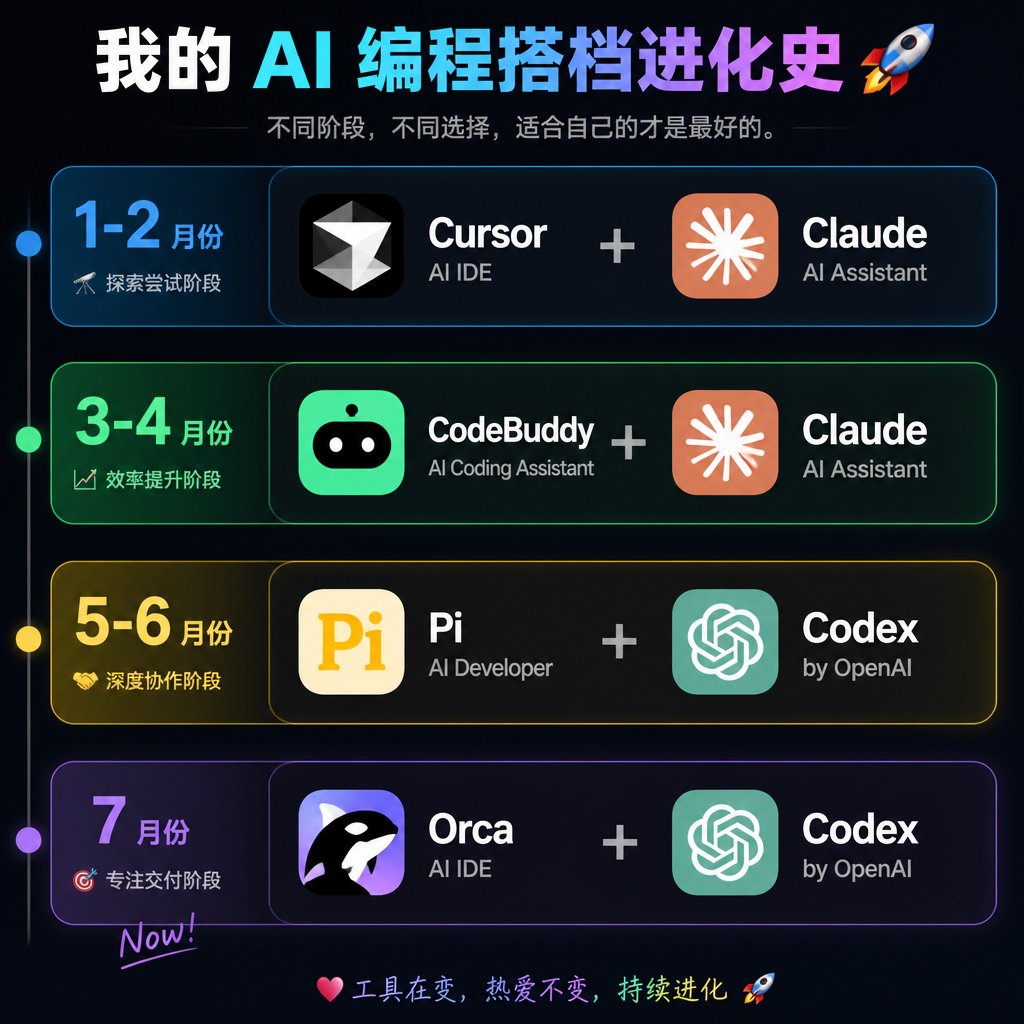
Dark Neon Timeline Poster: AI Partner Evolution AI Image Prompt
Goal: Create a dark neon Chinese timeline infographic poster showing the evolution history of an AI programming partner stack, with four horizontal stage cards and paired software tools. Canvas: Square 1:1 image, about 768×768 px, black-to-deep-navy background with subtle glow, thin neon strokes, high-contrast modern tech aesthetic. Header: Large bold Chinese headline at the top: My AI Programming Partner Evolution 🚀. Use a white-to-cyan-to-purple gradient emphasis across the AI/programming words. Under it, add a smaller gray subtitle: Different stages, different choices; the best is what suits you. with thin horizontal divider lines on both sides. Layout: Four stacked rounded rectangular timeline cards, evenly spaced vertically. A thin vertical timeline line runs down the far left with exactly 4 glowing circular nodes aligned to the 4 rows: blue, green, yellow, purple. Each row has a left date/stage block and a larger right tools block. The right block shows exactly 2 app tiles separated by a large plus sign. Rows: Use exactly 4 rows. Row 1 is blue and labeled January-February | Exploration Phase; tools are Cursor + Claude. Row 2 is green and labeled March-April | Efficiency Phase; tools are CodeBuddy + Claude. Row 3 is yellow and labeled May-June | Deep Collaboration Phase; tools are Pi + Codex. Row 4 is purple and labeled July | Delivery Focus Phase | Now!; tools are Orca + Codex. App tiles and icons: Create exactly 8 app icon/name groups total: 1) Cursor, black rounded-square icon with a white faceted diamond/cursor mark, sublabel "AI IDE"; 2) Claude, orange rounded-square icon with a white radial starburst, sublabel "AI Assistant"; 3) CodeBuddy, bright green rounded-square icon with a cute black robot face and white eyes, sublabel "AI Coding Assistant"; 4) Claude, same as above; 5) Pi, cream rounded-square icon with large yellow "Pi", sublabel "AI Developer"; 6) Codex, teal rounded-square OpenAI knot style icon, sublabel "by OpenAI"; 7) Orca, purple rounded-square icon with a black-and-white orca whale, sublabel "AI IDE"; 8) Codex, same as above. Tool names are large bold white text; sublabels are smaller light gray text. Plus signs are large, centered, and light gray. Footer: At the bottom center, add a small colorful handwritten-style line: "💗 Tools change, passion remains, keep evolving 🚀". Visual style: Cyber UI dashboard look, rounded cards with translucent dark fill, colored neon borders matching each row, soft outer glows, crisp typography, clean alignment, no clutter, no watermark.
Content: Structure formula: square canvas + dark neon background + gradient headline + subtitle + vertical timeline (4 glowing nodes) + 4 rounded cards (each row: left date, right tools with dual icons + plus sign) + footer. Style: cyber UI dashboard, translucent cards, neon borders, soft glow. Parametric placeholders.
Pros: Detailed and reproducible; parametric design allows customization.
Cons: Overly verbose; may exceed AI understanding; complex icon details may misgenerate.
Reference image: No obvious reference-image dependency
Curated from publicly available creative examples. Prompts and commentary are edited and organized by this site. Please contact us with any rights concerns. Copyright & Privacy