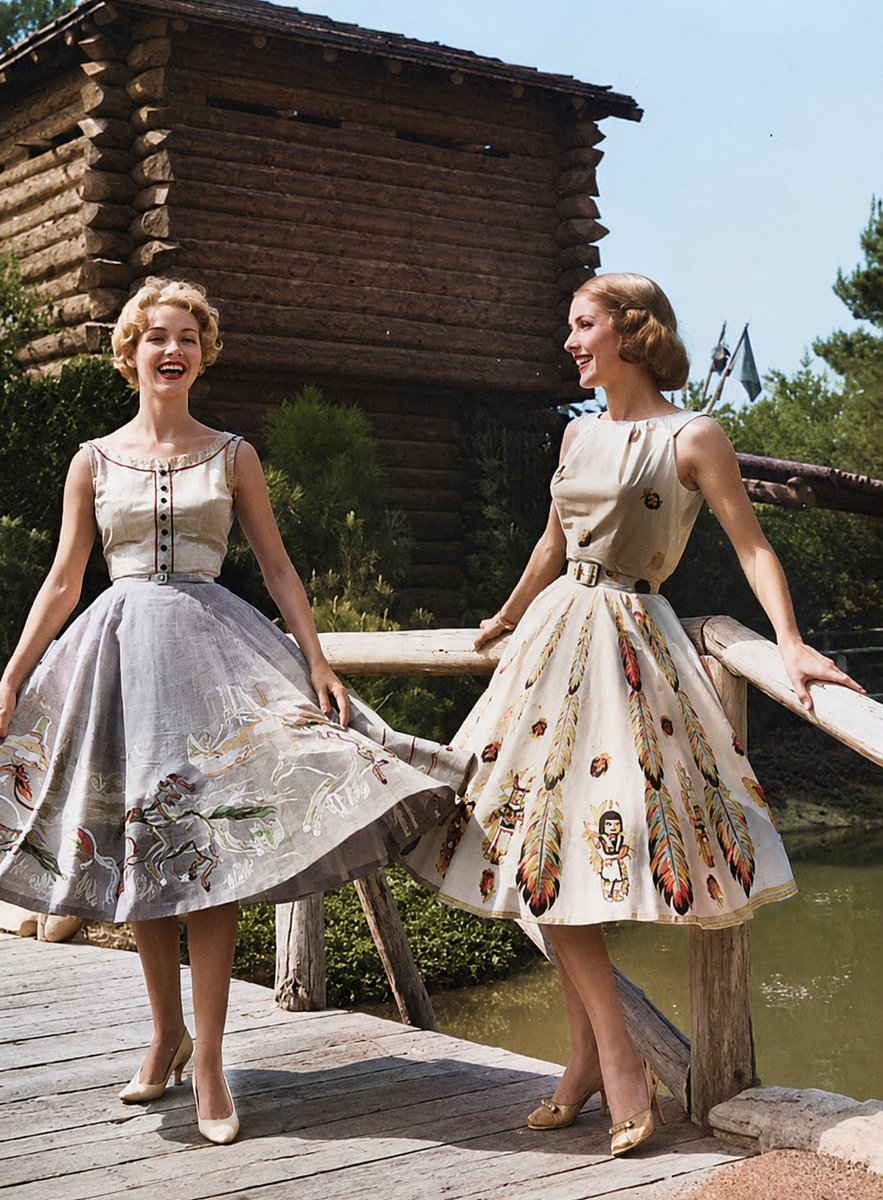
Photo Enhancement: Realistic Restoration AI Image Prompt
Enhance overall clarity, sharpness, and resolution to high-quality photo standards without losing authenticity. If the image is black and white, convert it to realistic natural color based on typical Indian skin tones, natural hair and eye colors, and traditional clothing. Ensure the background and lighting are smooth and neutral, matching the original studio look. The final result should look like a perfectly preserved real photograph, not AI-generated or stylized, and must reflect the original image with: No facial change, No softening of expressions, No cosmetic enhancement.
Content: Image restoration/enhancement instruction structure: enhance clarity and resolution; if B&W, convert skin/hair/eye colors and clothing to traditional Indian style; keep background/lighting neutral; final output as real photo without altering facial features.
Pros: Focuses on preserving original facial details and realism, suitable for old photo restoration.
Cons: Not a typical generative prompt; lacks creative variables; heavily relies on original image.
Reference image: Obvious dependency on original image as reference.
Curated from publicly available creative examples. Prompts and commentary are edited and organized by this site. Please contact us with any rights concerns. Copyright & Privacy