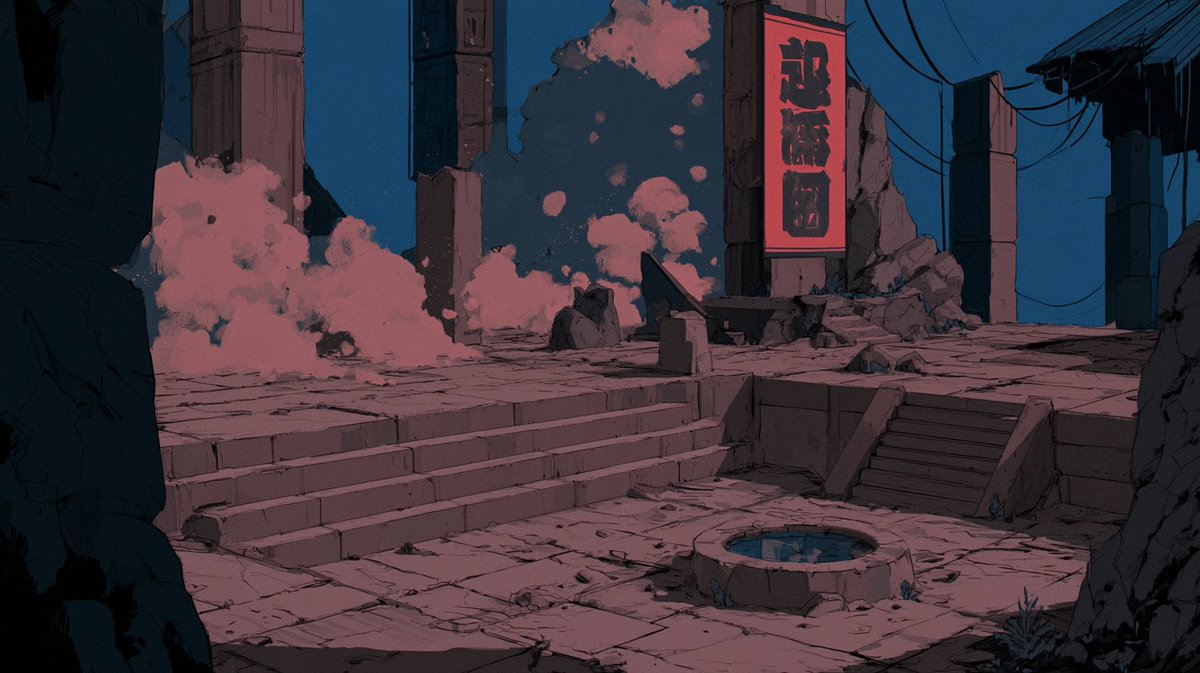
Use storyboard blueprint for 15-second cinematic shot AI Image Prompt
Use @[storyboard ref] as the authoritative 15-second cinematic shot blueprint. Do not render the storyboard sheet itself: exclude all panel borders, headers, text, labels, project card, director strip, style swatches and page layout from
Content: Prompt structure: Use [storyboard ref] as blueprint for a 15-second cinematic shot, while filtering out storyboard elements like borders, text, etc.
Pros: Explicit exclusions avoid cluttered output; depends on authoritative blueprint for precision.
Cons: Heavily relies on external reference image, ineffective without it; no style/color guidance, leading to inconsistent results.
Reference image: Depends on reference image
Curated from publicly available creative examples. Prompts and commentary are edited and organized by this site. Please contact us with any rights concerns. Copyright & Privacy