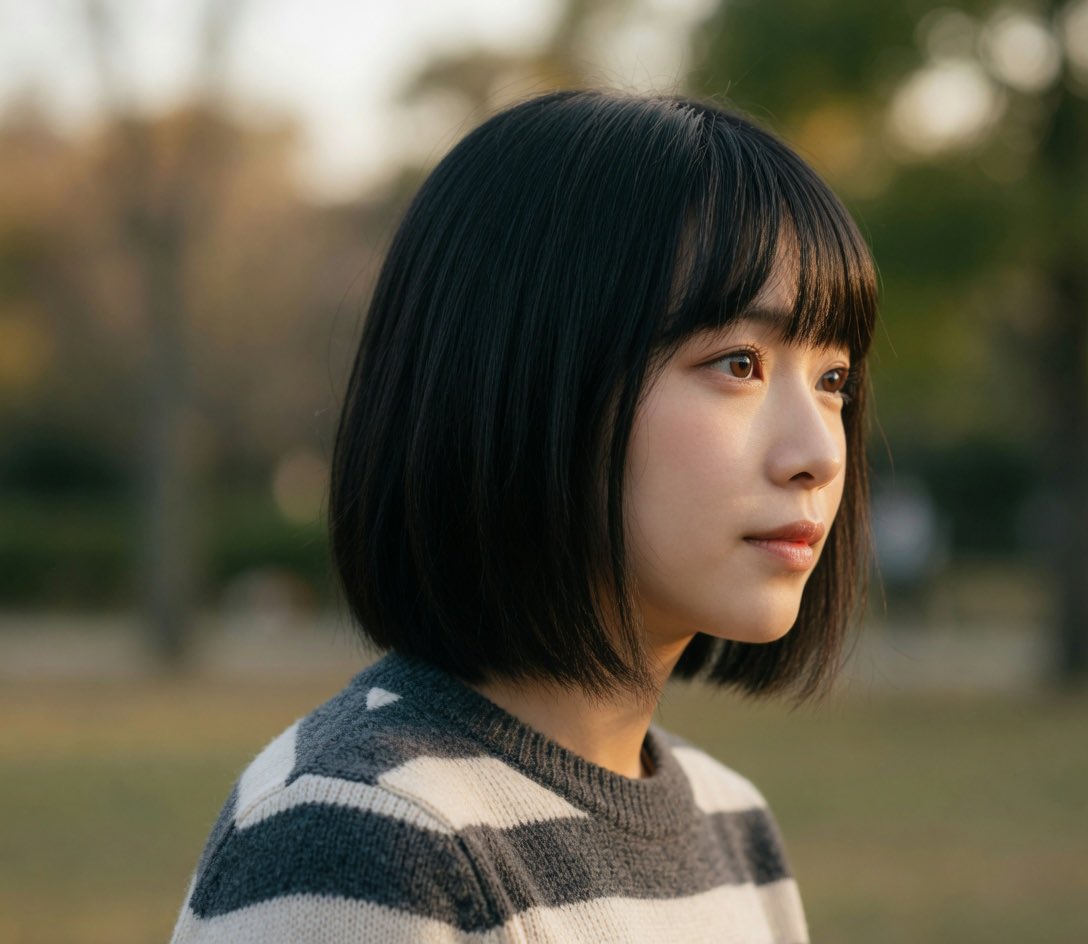
Change drawing to {style} in {color} AI Image Prompt
Prompt
Change this drawing into a realistic human photo. In color.
AI Image Content Analysis
Content: Subject: original drawing; target style (e.g., realistic human photo) and color mode (e.g., color) specified by parameters. Structure: action command + style parameter + color parameter.
Pros: Simple and flexible, reusable via parameters; directly specifies style and color.
Cons: Too vague, lacks composition, lighting, etc.; heavily depends on original drawing.
Reference image: Clearly relies on reference image (this drawing)
Curated from publicly available creative examples. Prompts and commentary are edited and organized by this site. Please contact us with any rights concerns. Copyright & Privacy